How Does AI Virtual Staging Work? From Upload to Listing-Ready Photo
How AI virtual staging works, step by step: upload, declutter, pick a style, render in minutes. What changes, what it costs and where it is allowed.
AI virtual staging takes a photo of a real room and furnishes it digitally: an image model adds furniture and decor while the room itself, its walls, windows and perspective, stays exactly as shot. A render finishes in minutes instead of the days an outsourced Photoshop edit takes, which is why it has become the default way to stage listing photos in 2026.
This guide answers the questions sellers, agents and photographers ask before they try it, and every section opens with the short answer.
What is AI virtual staging?
AI virtual staging is virtual staging done by an image model instead of a human photo editor. You upload a listing photo, choose an interior style, and the model generates a version of the same photo with furniture and decoration in place. The property is never touched; only the image changes.
It helps to see it next to the two older methods:
- Physical home staging rents real furniture and places it in the real house. It works during viewings as well as in photos, and costs thousands of euros per listing plus monthly rental. The full price ladder is in How much does home staging cost?.
- Manual virtual staging is a Photoshop editor compositing furniture into your photo by hand, typically €15 to €40 per image, returned in one to two days, with every revision a new round.
- AI virtual staging generates the furnished image in minutes, costs a fraction of a euro to a few euros per image, and lets you re-render until the room looks right.
The virtual staging glossary defines these and the other terms you will meet, such as render and 2K.
How does AI virtual staging work, step by step?
In Twelve Lumens the process is five steps, and most of them are clicks: upload the photos, declutter, pick a house style, render, export. A whole listing is done in one sitting, usually the day it was shot.
- Upload. Add the photos you already have, JPEG, PNG, WebP or HEIC, from a camera or a phone. The app sorts them by room.
- Declutter. If a room is lived in, the first render takes the owner's furniture, counter clutter and personal items out, leaving a clean, empty version of the same room. You can stop here and publish the decluttered photo on its own.
- Pick a house style. Choose one interior style for the whole listing, Modern, Scandinavian, Luxury, Industrial, Mid-century or Coastal, describe your own look in Freestyle, or save a custom style and reuse it on every listing. One style per home keeps the kitchen, living room and bedrooms looking like the same property.
- Render. The model furnishes each room in that style. A render typically takes a minute or two, so a 20-photo listing is staged in minutes, not days. Not keen on the sofa? Re-render; each result is a new version next to the previous one.
- Export. Mark the finals and download them at 1K, or 2K on Pro and Business, as JPG or PNG, with an optional disclosure bar in the listing's language rendered into the image and AI-disclosure metadata in the file.
Your originals are never overwritten. The original, decluttered and staged versions of each photo sit side by side in the property, so you can compare, revert or show buyers a before-and-after at any time.
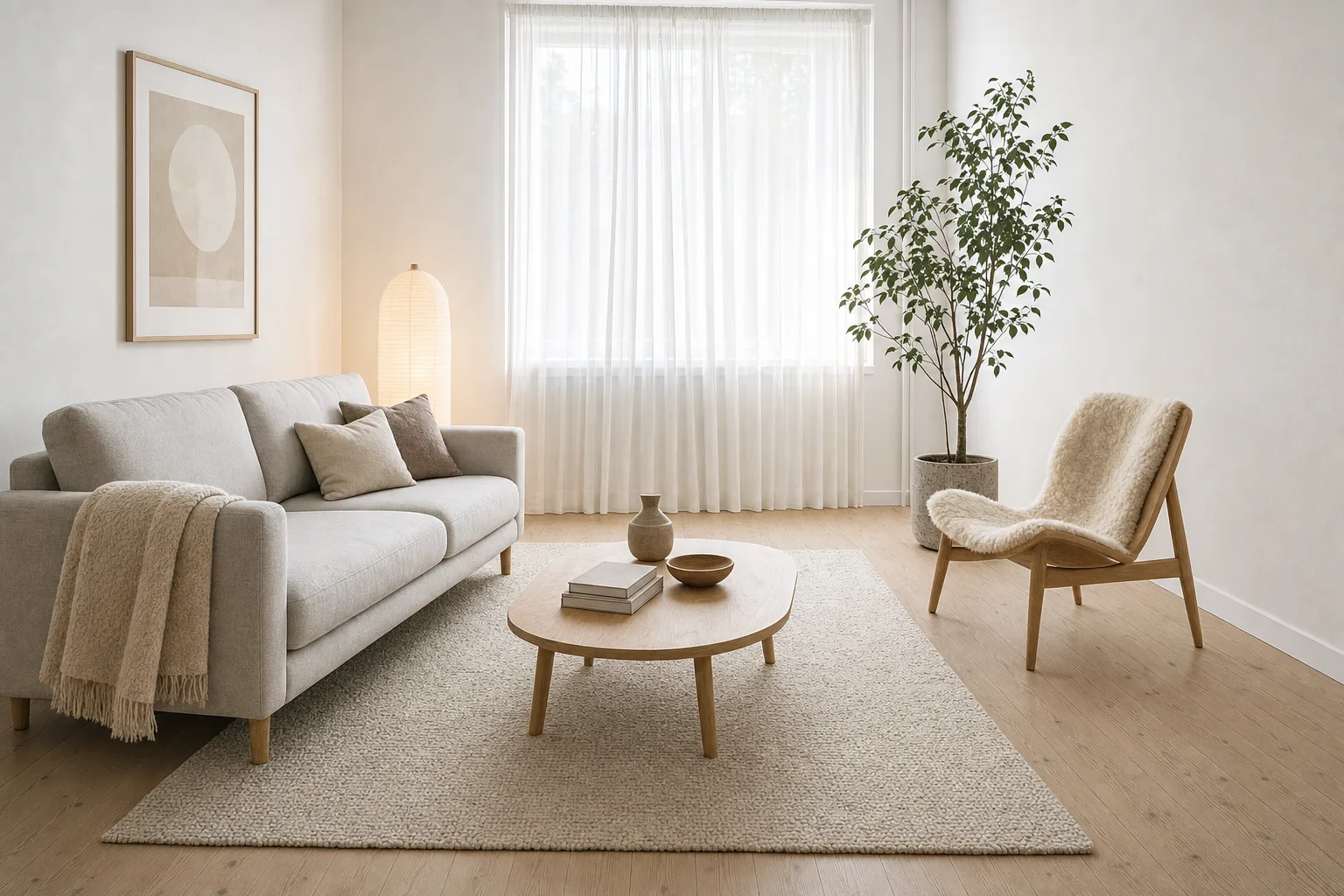
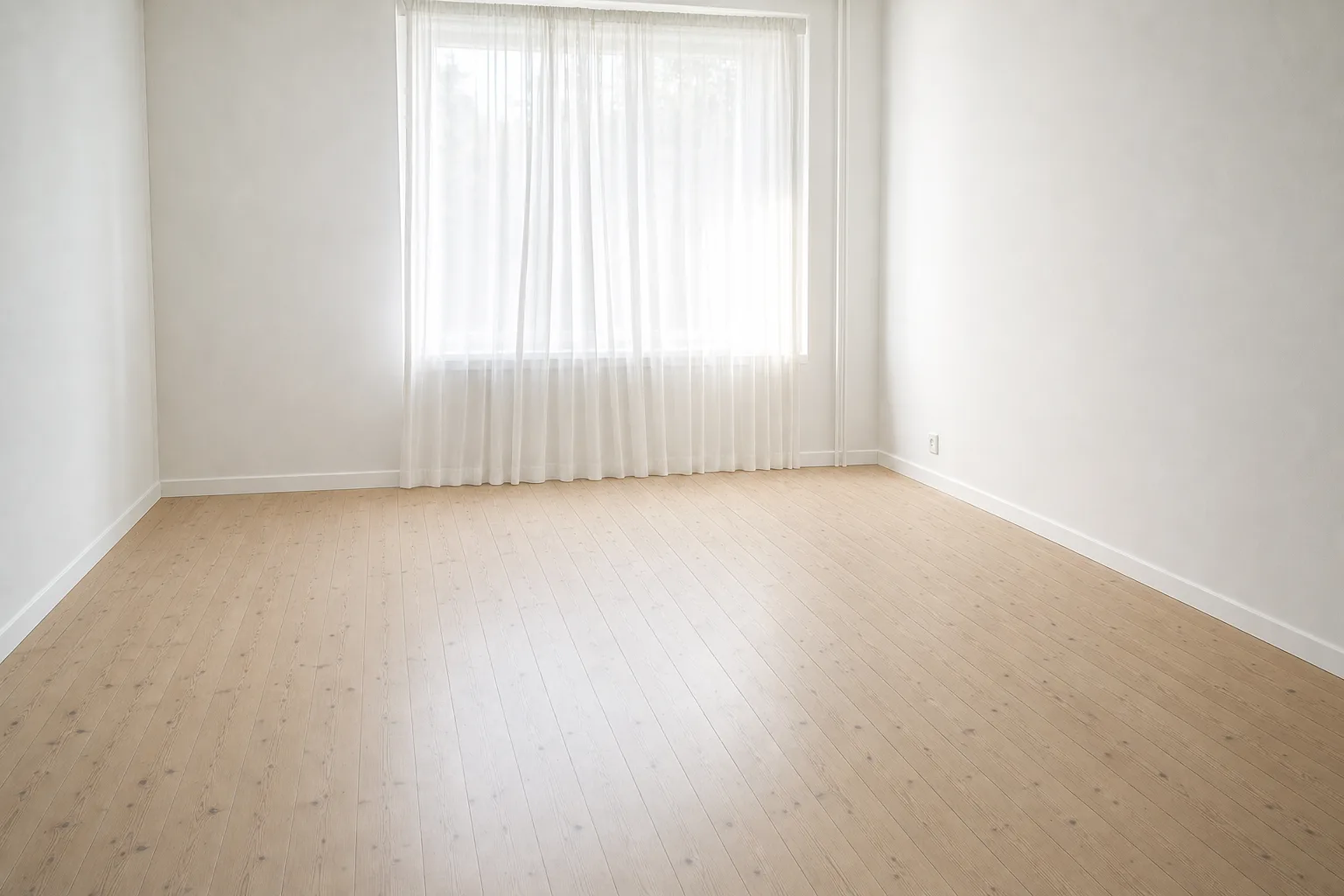
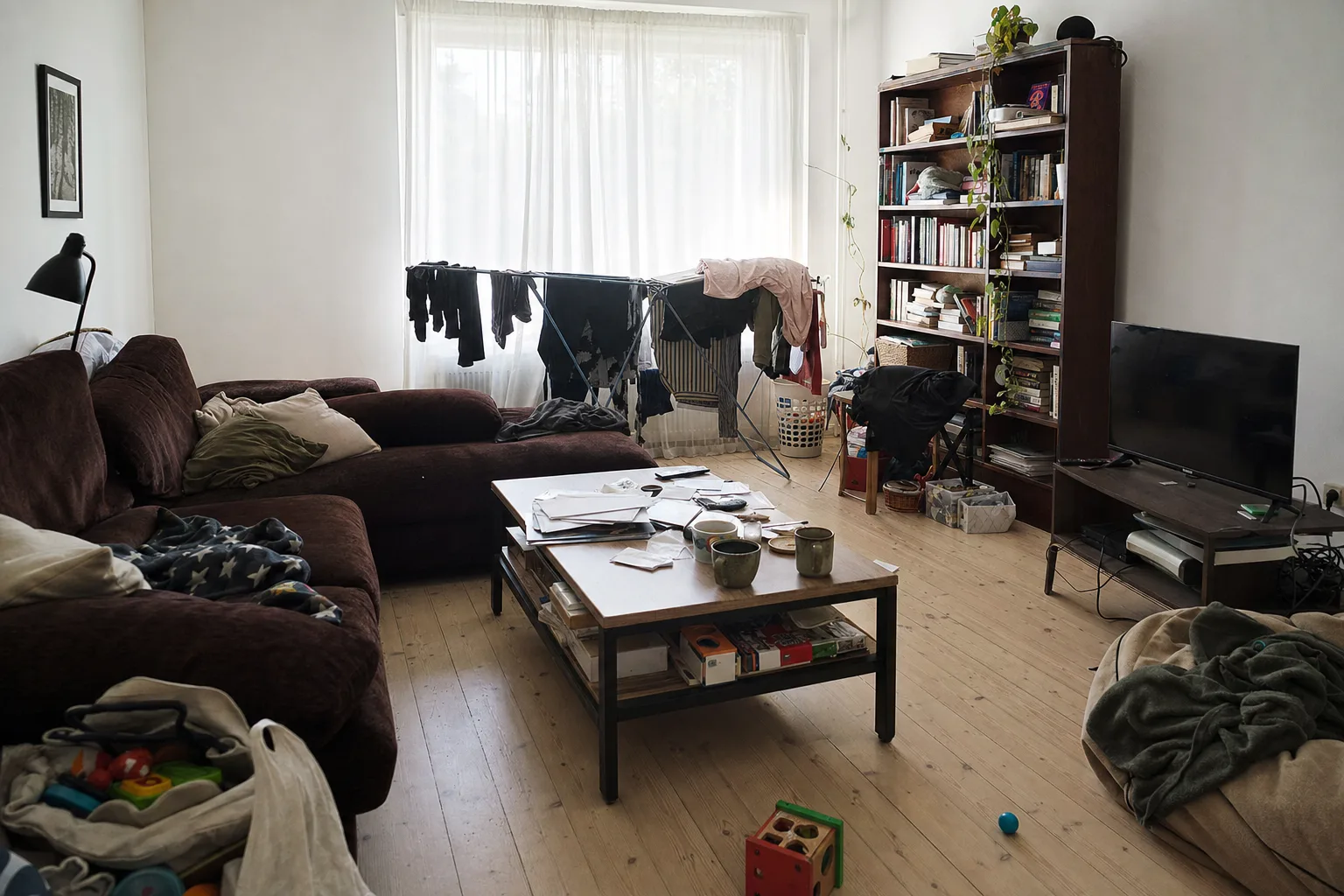
What can AI virtual staging change, and what stays the same?
Good AI staging changes furniture and decor only; the architecture, the windows, the floors and the camera perspective stay exactly as photographed. That is both a quality rule and a legal one: portals allow enhancement, not misrepresentation.
What changes: sofas, beds, tables, rugs, lamps, art, plants, curtains, cushions. What does not: wall positions, ceiling height, window size and view, the flooring material, built-in kitchens and bathrooms, radiators, the camera angle. Twelve Lumens locks all of that before rendering, so a staged photo can always be laid over the original and match line for line. What AI staging should never be used for is painting out damp stains, removing a crack or widening a room: those edits change what a buyer thinks they are buying, and disclosure rules exist precisely to prevent them.
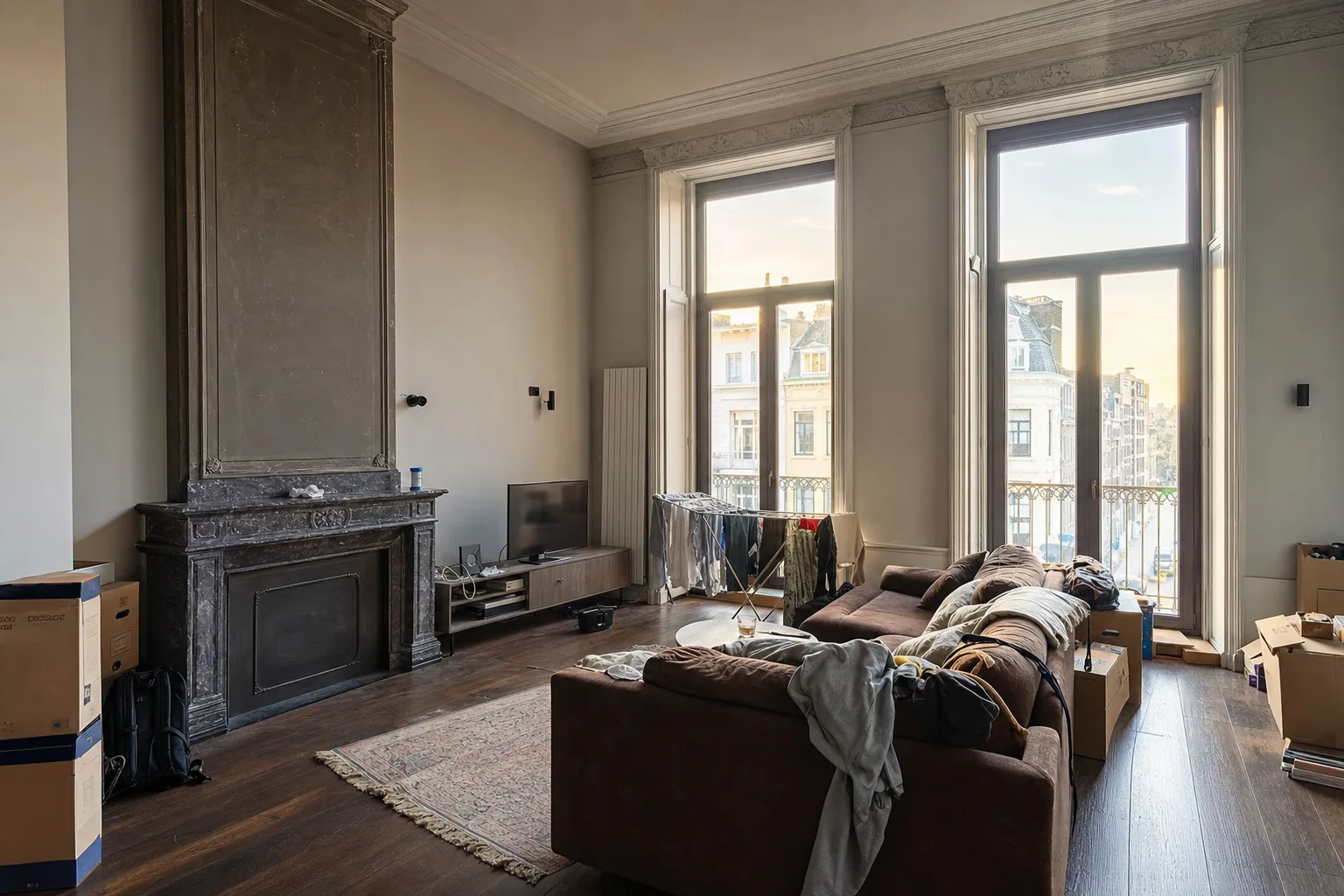
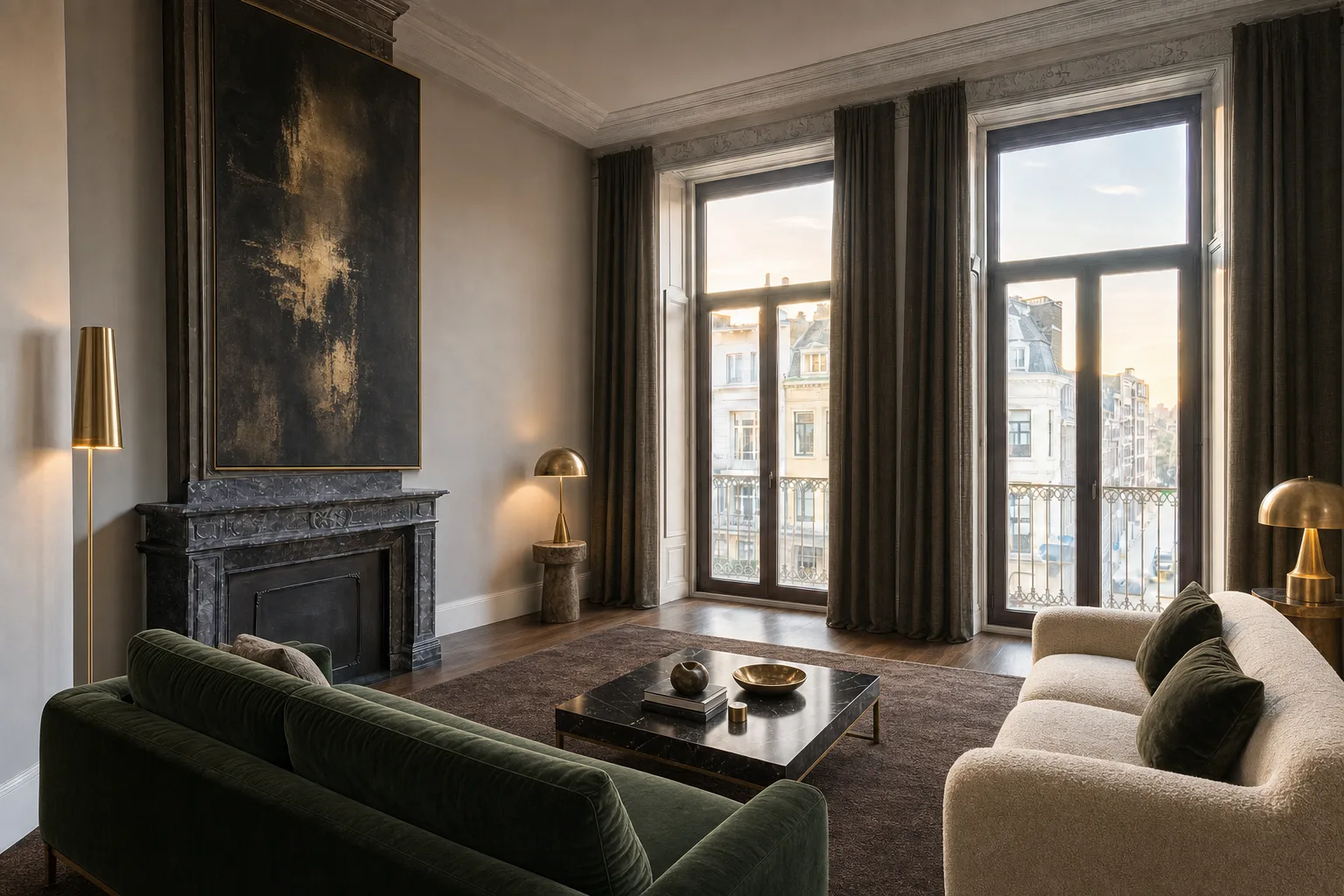 OriginalIn this style
How long does AI virtual staging take?
A single render takes about a minute or two; a whole listing of 20 photos is decluttered, staged and exported within the hour. A manual editor needs one to two days per round; a physical stager needs days to weeks to deliver furniture.
In practice you can shoot in the morning, stage over coffee and publish the same afternoon, while interest is highest. A second style is another few minutes, not another shoot.
How much does AI virtual staging cost?
On Twelve Lumens your first five images are free, and paid plans run from €19 to €329 a month with 25 to 50 images included per property. Extra images start at €0.40 each.
The current plans, checked October 2026:
| Plan | Per month | Properties per month | Images per property | Export |
|---|---|---|---|---|
| Free | €0 | 1, once | 5, once | 1K, with disclosure bar |
| Personal | €19 | 1 | 25 | 1K |
| Mover | €39 | 3 | 25 | 1K |
| Pro | €129 | 10 | 50 | 2K |
| Business | €329 | 30 | 50 | 2K |
Every decluttered or staged render counts as one image; a 2K render counts as two. Extra images come in packs of 25 for €12 or 100 for €40, so €0.40 to €0.48 each. The pricing page has the per-property math, and Virtual staging pricing compares this against per-photo editors and per-photo AI subscriptions.
Is AI virtual staging allowed on Zillow, Rightmove and the MLS?
Yes, almost everywhere, provided it is disclosed. In the United States each MLS sets its own photo policy; most expect a "virtually staged" note in the caption or in the image, a mention in the public remarks and no changes to permanent features. Zillow and the other consumer portals inherit the MLS feed and expect listing media to represent the property accurately.
In the United Kingdom, Rightmove and Zoopla lean on consumer protection law: label the image clearly as virtually staged, do not alter the fabric of the property, keep genuine photos available. Rules are set per board and change over time, so check your own before uploading. The market-by-market map, including funda's in-image requirement and the EU AI Act, is in Virtual staging disclosure rules; the portal pages for Zillow and the MLS and Rightmove cover their photo specs.
How do you tell good AI staging from bad?
Good AI staging is invisible to the buyer except for the label; bad AI staging is spotted in a second and makes the whole listing look untrustworthy. Five things to check before you publish:
- Scale. A sofa that would not fit through the door, a bed that blocks the wardrobe.
- Perspective and shadows. Legs that do not touch the floor, a rug floating over the parquet, light from the wrong side.
- Architecture drift. A window that moved, a door that disappeared, oak that turned into tile. If original and render do not line up, do not use it.
- Style consistency. A Scandinavian living room next to an industrial bedroom reads as two homes.
- Invented features. A fireplace, a balcony or a view the property does not have.
The fix for most of these is a re-render, which costs one image and a minute. The fix for architecture drift is a tool that locks it in the first place.
Can AI stage a room that is already furnished?
Yes. A furnished or cluttered room is first decluttered and then staged, or restyled in one step from the furnished photo. Most homes for sale are occupied, so this is the common case, not the exception.
Decluttering gives you a clean, empty room that can be staged in any style. Restyling keeps the room furnished and reimagines it in a different style, useful for showing a lived-in home at its best. Neither is a separate item-removal fee on Twelve Lumens.
How can you try AI virtual staging free?
Twelve Lumens stages your first five images free, with no credit card and no expiry. Create an account, upload up to ten photos of one property and spend the five images as you like: five rooms once, or one room in five styles.
Free renders are 1K and carry a visible disclosure bar with the Twelve Lumens name, enough to judge quality but not meant for publishing. Everything else is the same app the paid plans use: decluttering, every built-in style, Freestyle, originals kept. The free virtual staging page lists exactly what is and is not included, and the AI home staging guide covers the workflow in more depth.
Frequently asked questions
Does AI virtual staging look real?
For standard rooms, yes, when the tool locks the architecture and the furniture is at scale. The usual tells are scale errors, floating furniture and inconsistent styles between rooms, all of which a re-render fixes.
Do buyers have to be told that a photo is virtually staged?
In nearly every market, yes. US MLSs ask for a caption and a mention in the remarks, UK portals rely on consumer protection law, and funda in the Netherlands requires a visible notice inside the image itself. Disclosing clearly has never cost a sale; being caught not disclosing has.
Can I use the staged photos in print and on social media?
Yes. Exports are JPG or PNG at 1K, or 2K on Pro and Business for brochures and large formats, and the disclosure bar travels with the image wherever it is reposted.
What happens to my original photos?
Nothing. Every render is stored as a separate version next to the untouched original, private to your account, so you can revert, compare or export it at any time.
By Martin Balk, founder of Twelve Lumens · Updated October 14, 2026
See your own listing staged
Upload a few photos and get decluttered, staged versions back in minutes. The first five images are free, no credit card, and your originals are always kept.
Stage 5 images freeMore from the blog
Virtual Staging Pricing in 2026: What It Costs Per Photo, Per Listing and Per Month
Virtual staging costs roughly €0.40 to €40 per image in 2026. What the three pricing models add up to per listing and per month, plus the hidden fees.
Home Staging Photographer: What They Do and How to Shoot a Home So It Stages Well
What a home staging photographer actually does, how to shoot every room so it stages well, physically or virtually, and when a phone is enough.
Virtual Staging Terms, Explained: A Plain-Language Glossary
Plain-language definitions of 13 virtual staging terms: renders, 2K, house styles, decluttering, disclosure and more, each one quotable on its own.
Virtual Staging Disclosure Rules in 2026: MLS, Zillow, Funda, Rightmove and More
Where virtually staged photos are allowed, what each market expects you to disclose, and a checklist that keeps your listing within every rule.
How Much Does Home Staging Cost in 2026? Physical vs. Virtual, With Real Numbers
What physical, outsourced virtual and AI home staging cost per listing in 2026, when each one is worth it, and the math for a typical 20-photo listing.